01
Read QR codes
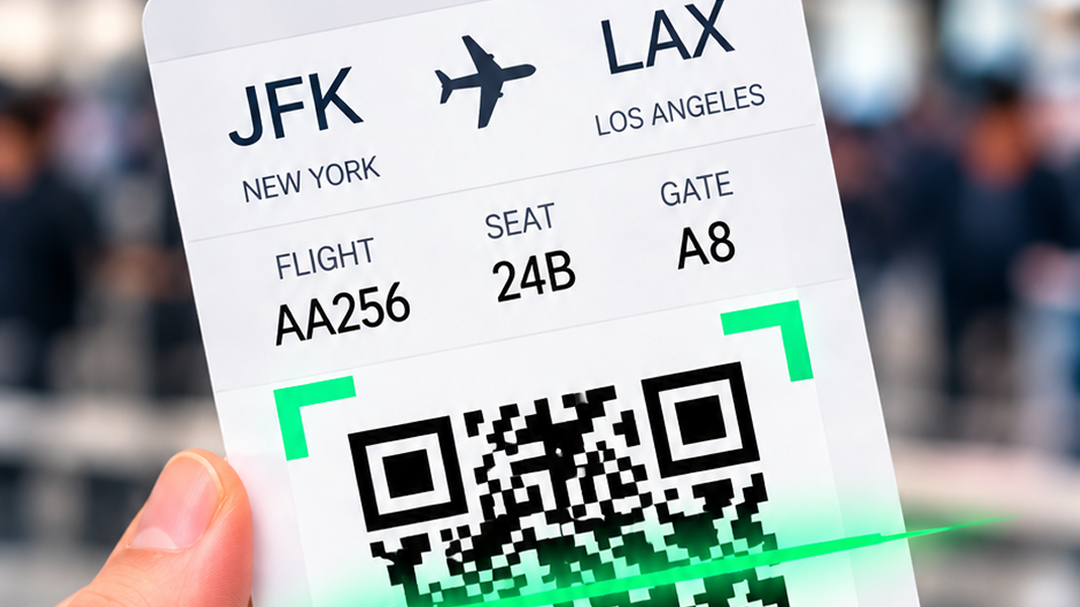
Use your device camera to scan a QR code and view its decoded content.
A little clarity. One scan away.
Meet QR & Barcode Scanner. Point your camera at a code, see what’s inside, and choose what happens next.
For Android 12 and up Contains ads
THE EVERYDAY ESSENTIALS
A camera-based scanner that puts decoded content in front of you, before you take the next step.
Use your device camera to scan a QR code and view its decoded content.
Read supported barcodes. Available code types can vary by device and app version.
Review the scan result before choosing one of the available actions.
When a link action is available, choose to open it after reviewing the result.
Choose the copy action, when available, to use decoded text elsewhere.
Camera images and decoded results are processed locally and are not uploaded to the developer.
About scanning & privacyA SIMPLE NEXT STEP
Go from a code to its content with your Android camera.
Find it on Google PlayOpen the app and point your device camera at a QR code or supported barcode. Camera access is used for scanning.
View the decoded content. Take a moment to review what the code contains before moving on.
Choose an available action, such as opening a link or copying text. Actions may vary by device and app version.
INSIDE THE APP
Explore all four images from the Google Play listing. Select an image to view it in full.
KNOW WHAT TO EXPECT
The app description states that camera images and decoded results are processed on your device and are not uploaded to the developer.
This describes the scanning process. The Google Play Data safety section also reports collection and sharing of certain data types, including location and app activity. See the privacy policy and store listing for details.
Read the privacy policyThe app uses your device camera to scan codes.
Requires Android 12 or later. Supported codes and available actions may vary.
An internet connection may be needed for online features or third-party services.
YOUR NEXT SCAN STARTS HERE
QR & Barcode Scanner by Yuja Valle.